

Technical SEO is the work that helps search engines access, understand and trust your website. It focuses on crawlability, indexability, site performance and clean architecture so your content can compete on its merits.
Even strong writing can underperform when pages load slowly, links break, or key sections are blocked from crawling. A solid technical foundation reduces friction for both users and search engines.
What Technical SEO Covers?
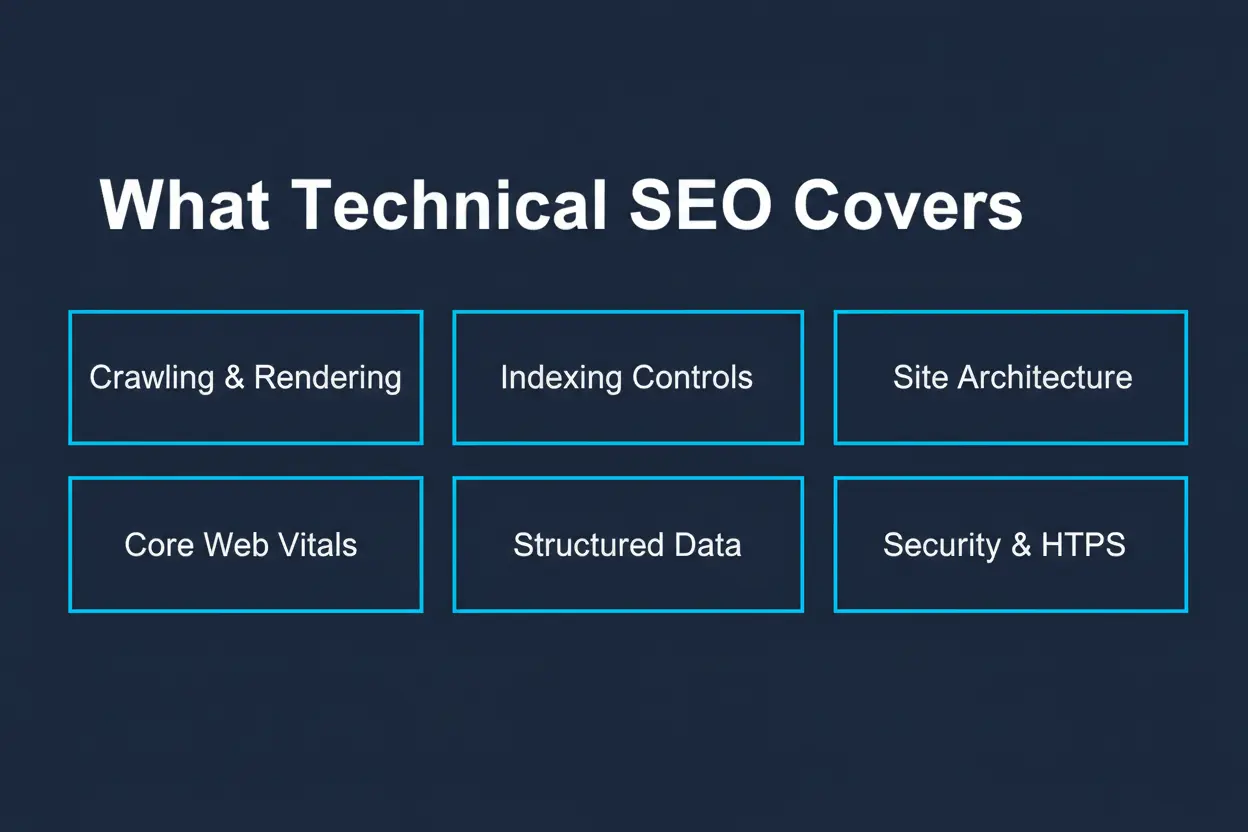
Technical SEO sits between development and search optimization. It deals with how your site is built, how it responds to devices and networks and how it signals page relationships.
The goal is consistency. When a site is predictable and fast, search engines can crawl more efficiently and users can move through pages without delays.
- Crawling And Rendering: Ensuring bots can fetch resources and render pages accurately.
- Indexing Controls: Managing which pages should appear in search and which should not.
- Site Architecture: Creating clear paths from important pages to supporting content.
- Performance And Core Web Vitals: Improving speed, stability and responsiveness.
- Structured Data: Helping search engines interpret entities and page elements.
- Security And Accessibility: Maintaining HTTPS, safe browsing and inclusive UX signals.
Once these pieces are stable, content and links have a stronger platform to deliver results.
How Search Engines Crawl And Index Websites?
Search engines discover URLs through links, sitemaps and known patterns on the web. They crawl pages, fetch necessary files and then decide whether a page should be indexed.
Indexing is not guaranteed. Pages can be excluded due to duplication, thin value, blocked directives, or technical errors that prevent full rendering.
Crawl Budget And Prioritization
Larger sites often face crawl limits, especially when many URLs are low value or parameter driven. Clean internal linking and removing crawl traps can help bots spend time on the pages that matter.
Stable server responses also matter. Repeated timeouts, redirect chains and soft 404s waste crawl capacity and delay updates in the index.
Indexability And URL Management
Indexability controls help you guide search engines toward your best pages. This includes robots rules, meta robots tags, canonical URLs and consistent URL patterns.
Clarity is crucial. When multiple URLs serve the same content, signals can split across versions and weaken ranking potential.
Canonicals And Duplicate Content
Canonical tags suggest the preferred version of a page when similar URLs exist. They work best when the canonical page is accessible, self canonical and matches the content intent of alternates.
Duplication often comes from filters, tracking parameters, session IDs and printer friendly pages. Tight URL rules and sensible canonicalization prevent index bloat.
Robots Rules And Noindex
Robots.txt is used to manage crawling, not indexing. If a page is blocked from crawling but linked elsewhere, it may still appear as a URL only result with limited data.
Noindex is the direct control for keeping a page out of search. Use it for internal search results, staging areas and thin utility pages that do not serve search intent.
Site Architecture And Internal Linking
A logical structure helps both bots and people find key pages quickly. Good architecture reduces clicks to important pages and creates clear topical clusters.
Internal links also pass signals. They indicate what you consider important, how pages relate and where visitors should go next.
- Keep Depth Reasonable: Important pages should not be buried many clicks from the homepage.
- Use Descriptive Anchor Text: Anchors should describe the destination, not rely on vague wording.
- Fix Or Replace Broken Links: Broken internal links waste crawl and frustrate users.
- Avoid Orphans: Every indexable page should have at least one internal link pointing to it.
When architecture is consistent, new pages get discovered faster and older pages retain relevance through smart connections.
Core Web Vitals And Page Speed
Performance affects user behavior and crawl efficiency. A fast site reduces bounce, supports conversion and helps search engines render content with fewer issues.
Core Web Vitals focus on loading, interactivity and visual stability. They are not a substitute for quality content, but poor scores can be a drag on results.
Common Technical Causes Of Slow Pages
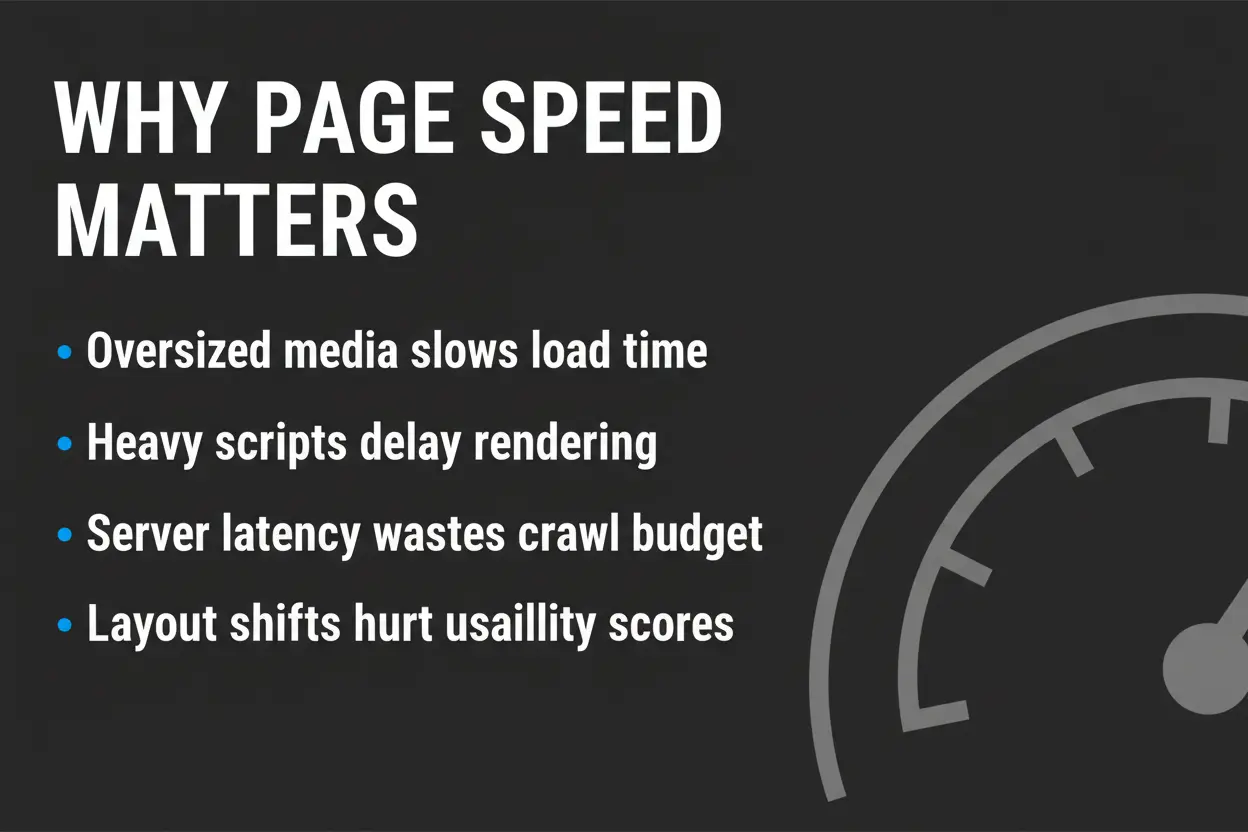
Speed issues often come from oversized media, heavy scripts and server latency. Improvements typically require both front end and back end changes.
- Optimize Images: Use modern formats, right sizing and lazy loading where appropriate.
- Reduce JavaScript Cost: Remove unused code, defer non critical scripts and limit third party tags.
- Improve Server Response: Use caching, efficient databases and stable hosting resources.
- Minimize Layout Shifts: Reserve space for media and dynamic components to avoid page jumps.
Performance work is never one and done. Monitor key templates because small changes can ripple across thousands of pages.
Mobile Friendly Design And Rendering
Search engines primarily evaluate most sites from a mobile perspective. Mobile friendly design must deliver the full content and structured data, not a reduced version.
Rendering problems often come from blocked resources, heavy client side frameworks, or content hidden behind interactions that bots do not trigger.
Responsive Layout And Touch Usability
Responsive design should keep text readable, buttons tappable and navigation clear. Viewport settings, font sizing and spacing all influence usability signals.
Consistent rendering across devices also supports accurate indexing. If critical content appears only on desktop, you risk losing relevance in mobile evaluation.
HTTPS, Security And Trust Signals
HTTPS protects data and confirms that visitors are connected to the intended domain. It also reduces browser warnings that harm engagement.
Security extends beyond certificates. Malware, mixed content and unsafe scripts can prevent pages from being shown prominently in search results.
- Use Sitewide HTTPS: Redirect all HTTP URLs to HTTPS with a single hop.
- Avoid Mixed Content: Ensure images, scripts,and fonts load over HTTPS.
- Harden Admin Areas: Limit access, enforce strong authentication and keep plugins updated.
Trust is technical and behavioral. A secure site supports both user confidence and stable crawling.
Structured Data And Search Appearance
Structured data helps search engines understand entities like products, articles, organizations and reviews. When implemented correctly, it can improve how pages are interpreted and displayed.
It must match visible content and follow supported schema types. Incorrect markup can be ignored or trigger manual issues in severe cases.
Where Structured Data Helps Most?
Structured data is most valuable on templates where information is consistent. Product pages, recipes, events and organization details are common fits.
Keep markup accurate, minimal and maintained. When pages change, structured data should update with them.
XML Sitemaps And Robots Files
XML sitemaps provide a clean list of indexable URLs you want crawled and considered for indexing. They are especially useful for large sites, new sites and sites with deep architecture.
Robots.txt guides crawler access to sections and files. It should protect low value areas without blocking important CSS or JavaScript needed for rendering.
Technical SEO Audit Checklist
A technical audit checks whether key templates can be crawled, rendered and indexed without friction. It also validates performance, internal linking and URL hygiene.
- Verify Crawl Access. Confirm important pages return 200 responses and essential resources are not blocked.
- Check Indexing Signals. Review noindex, canonical tags and duplication patterns across templates.
- Review Site Structure. Identify orphan pages, weak internal linking and excessive click depth.
- Evaluate Performance. Audit Core Web Vitals, image weight, script load and server response times.
- Validate Mobile Rendering. Ensure content parity, usable navigation and stable layout on small screens.
- Confirm HTTPS Consistency. Remove mixed content and enforce clean redirects.
- Inspect Structured Data. Ensure markup matches visible content and is implemented on the correct templates.
Address the biggest blockers first. Improvements compound when crawl, index and performance issues are resolved early.
Key Technical Signals And What They Mean
This table summarizes common technical signals and the typical impact on SEO work. Use it as a quick reference when prioritizing fixes.
| Technical Area | What To Check | Why It Matters |
|---|---|---|
| Crawlability | Robots rules, internal links, server uptime | Ensures bots can reach and fetch key pages |
| Indexability | Noindex, canonicals, duplicate URLs | Prevents index bloat and signal dilution |
| Performance | Core Web Vitals, image size, script load | Improves usability and supports reliable rendering |
| Site Architecture | Click depth, orphan pages, navigation | Helps discovery and clarifies page importance |
Use these checks to align technical work with ranking goals and user experience improvements.
Common Technical SEO Mistakes To Avoid
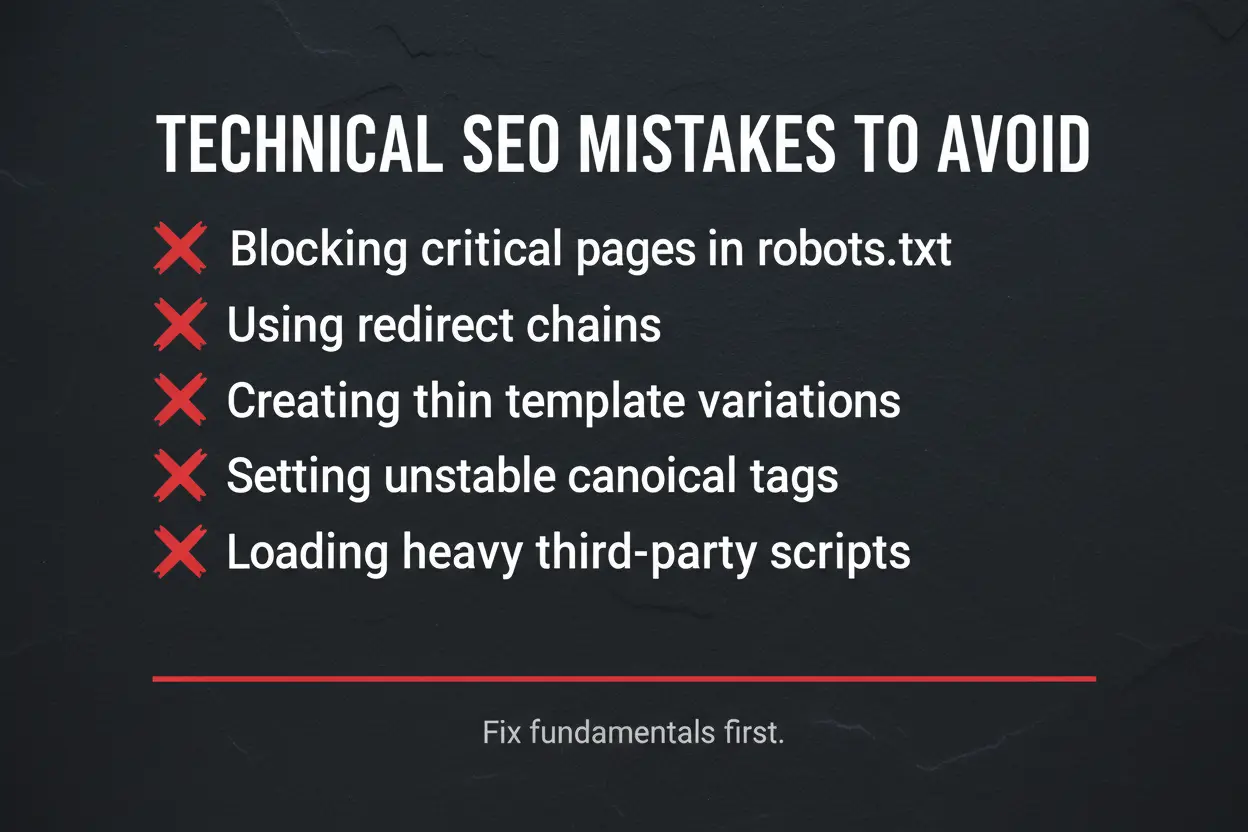
Many ranking problems come from a small set of recurring issues. Avoiding them is often faster than chasing minor tweaks.
- Blocking Critical Pages In Robots.txt: Overblocking can prevent crawling of pages that should rank.
- Redirect Chains: Multiple hops slow crawling and can weaken signal consolidation.
- Thin Template Variations: Near duplicates created by filters and tags can flood the index.
- Unstable Canonicals: Canonical tags that point to irrelevant pages confuse indexing.
- Heavy Third Party Scripts: Excess tags can degrade speed and cause rendering delays.
Fixing fundamentals usually brings clearer gains than adding new tools or plugins.
Conclusion
Technical SEO makes your site easy to crawl, render and index, while also improving speed and usability. When the technical layer is clean, search engines can interpret your pages accurately and users are more likely to stay, read and convert.
Start with crawl access, index controls and performance on your most important templates. Then refine architecture, structured data and security to keep rankings stable as your site grows.